This page is for TOMOYO 2.2 (for Linux 2.6.30 - 2.6.35 kernels). Please jump to this page for TOMOYO 2.3 (for Linux 2.6.36 and later kernels).
Last modified: $Date: 2024-03-30 20:25:00 +0900 (Sat, 30 Mar 2024) $
This page describes how to use TOMOYO's enforcing mode.
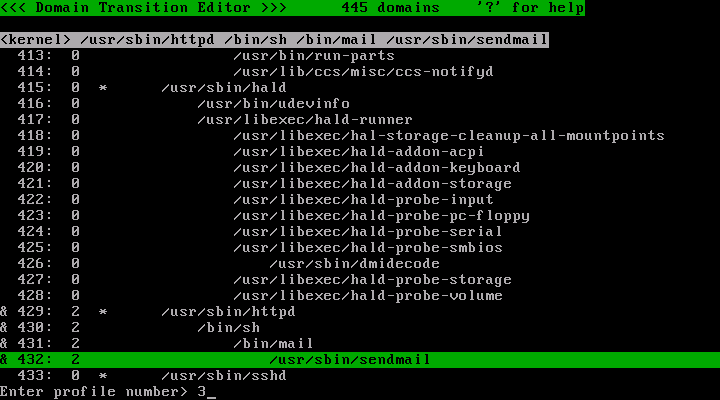
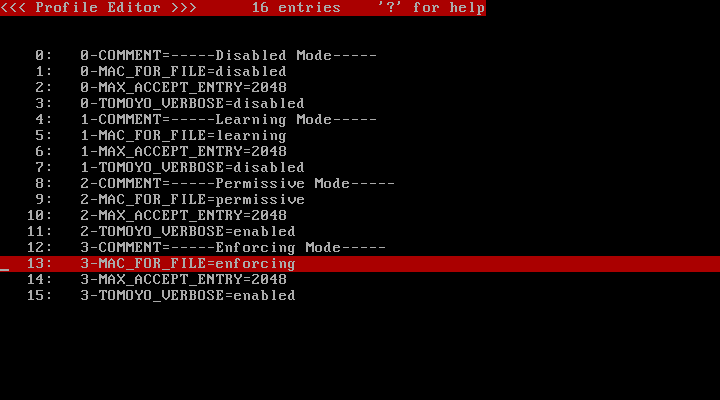
After you came to think you have done everything, run the policy editor and change the profile number to 3.
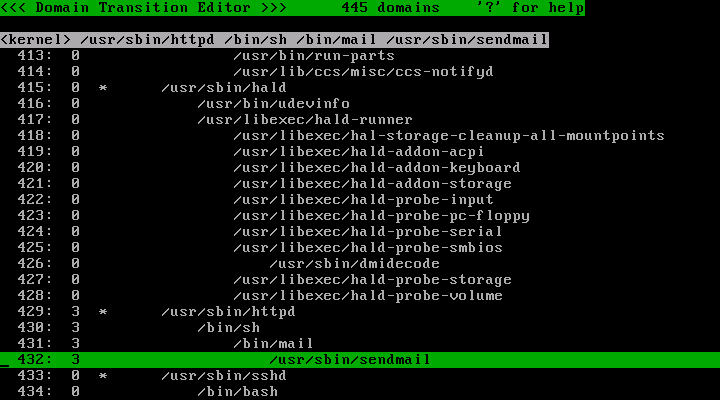
Run the policy editor. Choose target domains and press 's' key and enter '3' and press 'Enter' key.
Now the profile number of the /usr/sbin/httpd and descendant has changed to 3.
Press 'q' key to quit the policy editor. Then, run "tomoyo-pstree" and verify that /usr/sbin/httpd processes and descendant are assigned profile number 3.
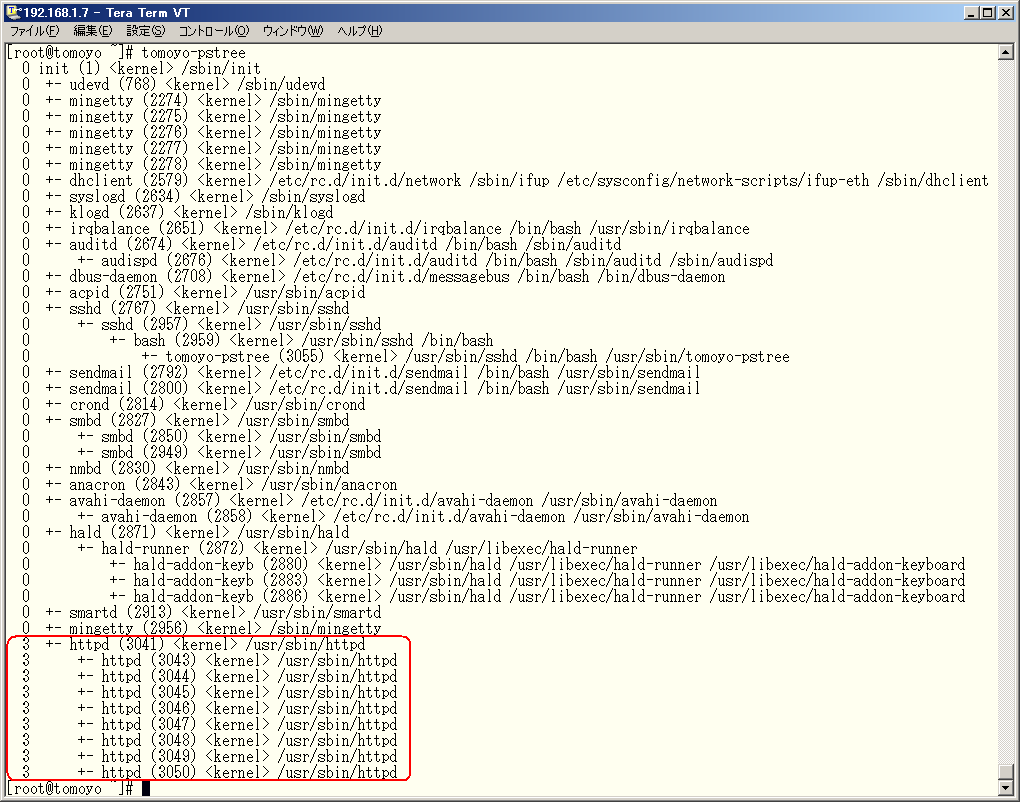
And now, /usr/sbin/httpd processes and descendant are protected by MAC, for the profile 3 was configured for enforcing file accesses control.
Let's try an operation which is permitted by policy.
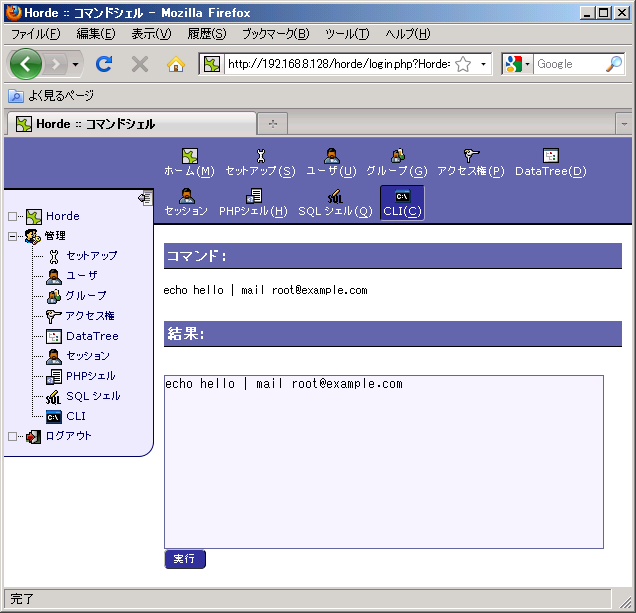
The operation was successfully completed, for sending mail is permitted by policy.
Let's try an operation which is not permitted by policy.
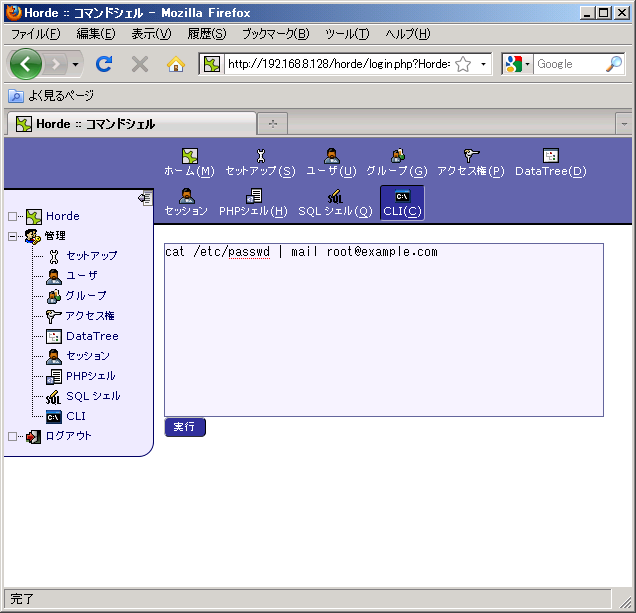
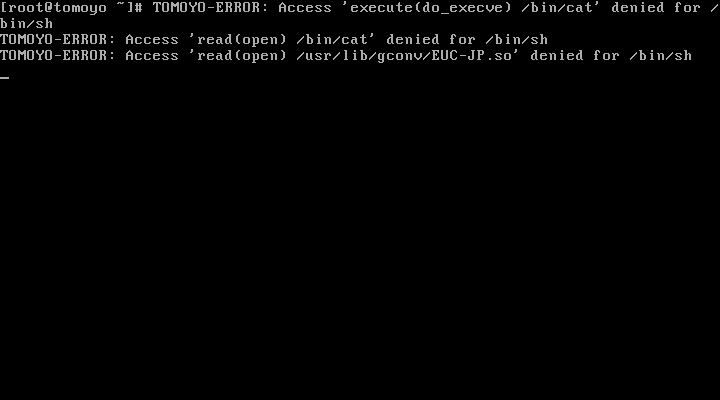
The operation was rejected. (Seemingly, it looks like it was successfully completed. But actually, the execution of /bin/cat was rejected as you can see warning message by /bin/mail that the input was empty.)
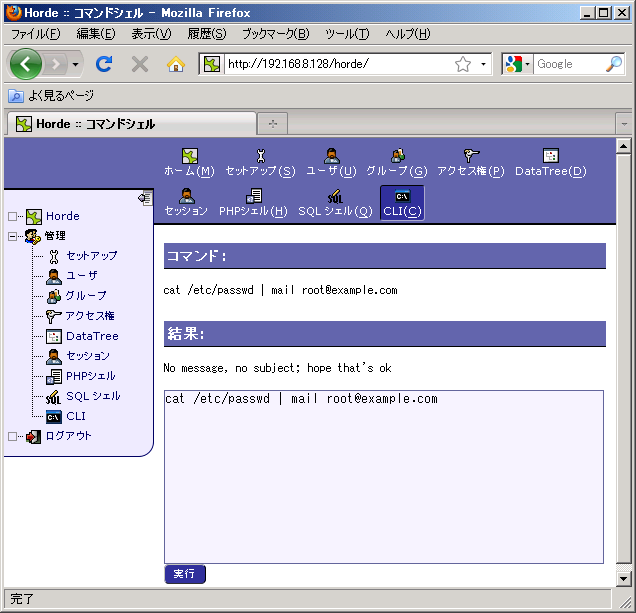
If the profile is configured as "TOMOYO_VERBOSE=enabled" (this is default), the "TOMOYO-ERROR:" messages will be printed to the console when policy violation occurs.